Light on storage
The r444 a app installs from a 41 MB file, so it fits beside your photos and music. Anything heavy, such as a live table stream, loads when you open it instead of sitting on the phone all day.
The r444 a app is a 41 MB Android build of an account you already know. Slots, live tables and cricket markets open from one home screen, and money still moves through bKash or Nagad. Download the APK here, or create an account first if you are new.
No cable, no desktop step: the QR code in the download section below opens the same file on the phone already in your hand.
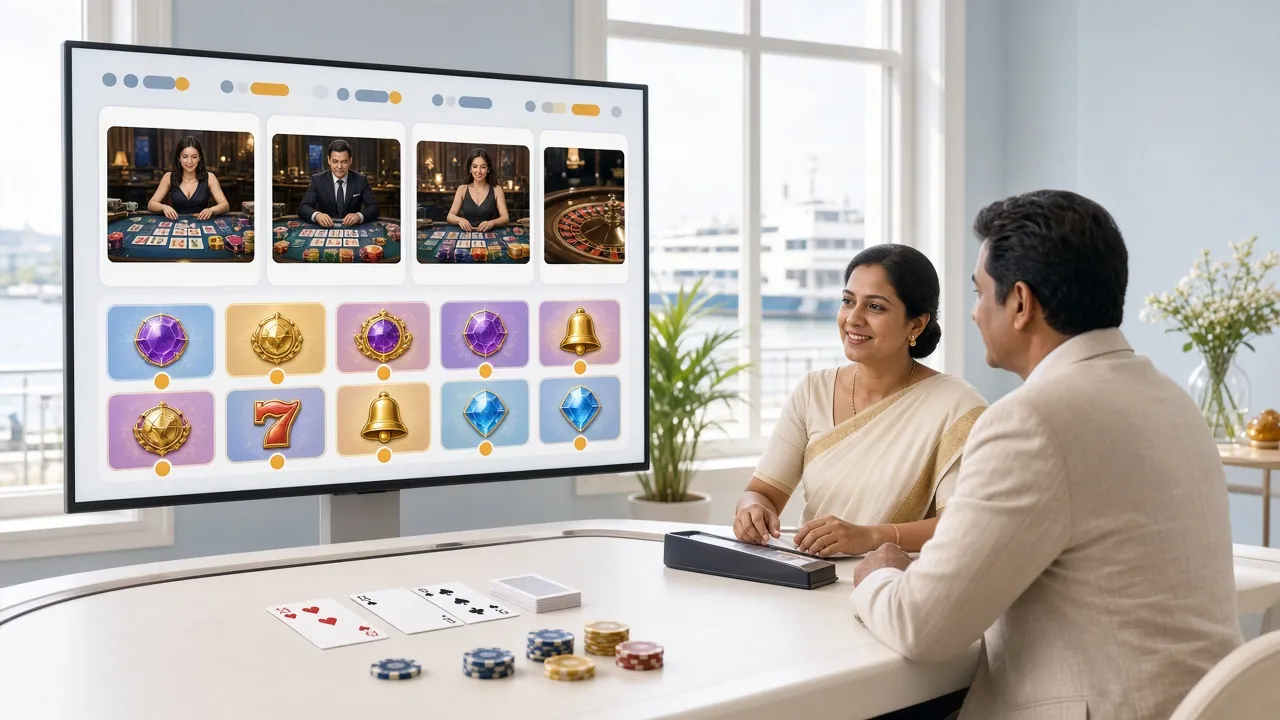
The r444 a app installs from a 41 MB file, so it fits beside your photos and music. Anything heavy, such as a live table stream, loads when you open it instead of sitting on the phone all day.
Deposits and withdrawals work exactly as they do on the website: bKash, Nagad, Rocket, Upay or a bank transfer. A deposit usually lands in about 2 minutes, and a withdrawal clears in 5 minutes once KYC is done.
Slots, live dealer tables and card games share one lobby of around 2,500 titles from Evolution, PG Soft, Pragmatic Play, Ezugi and Red Tiger. Search by name, or filter down to a provider you already trust.
Fishing titles such as Happy Fishing and 3 Gods Fishing keep their artwork plain, so rounds still run in Dhaka traffic. Bets start at ৳1, which leaves room to test a room before you raise the stake.
Register once and the same username opens the app, the mobile site and your laptop. Balances, bonus progress and withdrawal limits stay in step, so nothing has to be re-entered or moved across.
Support runs around the clock and is reachable from the app itself, which matters when an install or a deposit goes wrong. Chat can trace a missing transaction while you stay on the same screen.
Five steps, about three minutes on Wi-Fi. The only part that surprises people is the unknown-source toggle in step one, and it can be switched off again afterwards.
Open Settings, then Apps, then Special access, then Install unknown apps. Pick the browser you download with, such as Chrome, and switch the permission on. On older Android builds the same toggle sits under Security.
Tap Download APK on this page. The file is named r444a.apk, weighs 41 MB and saves to your Downloads folder. Stay on Wi-Fi if your data is metered, since 41 MB is a fair slice of a small daily pack.
Pull down the notification shade or open the file manager, tap r444a.apk, then Install. Play Protect may ask once; choose Install anyway for a file from this site. The install takes seconds and adds an icon to your home screen.
Use the details from your r444 a login page if you already play. New here? Tap Sign Up, fill the short form and confirm your number. The welcome bonus applies on the first deposit after registration.
Open the account menu and set a deposit limit plus a session reminder. Then pick a game, choose a stake in taka and go. KYC documents can be uploaded from inside the app when you send your first withdrawal.
Once the icon is on the home screen, go back to Settings and turn the unknown-source permission off again. You only need it for the next download, not for daily play.
There is no iOS build to download, and an APK will not open on an iPhone. Safari can still give you an icon, a full screen and a session that stays signed in.
Chrome and Firefox on iOS cannot add icons, so load r444a.lat in Safari first. Log in there, because the shortcut copies the session you already have.
Tap the share icon in the toolbar, scroll to Add to Home Screen, give the shortcut a short name such as r444 a, and confirm with Add. The icon lands beside your other apps.
Open the new icon and log in. Safari keeps you signed in until you clear website data, so from then on the shortcut behaves like an installed app with its own full-screen window.
The icon always loads the live site, so new games appear without a download. If a page ever looks stale after a redesign, delete the icon and add it again.
Downloading takes one tap and no login. The file below is the complete install package; nothing else has to be fetched from a store, and there is no countdown before the download starts.
r444a.apk
41 MB · Android 6.0 and up
Scan the QR with the phone camera if you are reading this on a laptop. It points at the same APK, so the install is identical either way.
| Field | Detail |
|---|---|
| App | r444 a for Android |
| Version | 3.9.2 |
| File name | r444a.apk |
| File size | 41 MB |
| Android version | 6.0 and newer |
| Last updated | 12 November 2026 |
| Price | Free |
| Languages | English and Bangla |
| Sign-in | The same account as the website |
| Where to get it | This page, direct APK download |
Quote the version and the build date when you talk to support. They can tell you in seconds whether a fix you are waiting for has already shipped, which saves a pointless reinstall.
The app pulls one game at a time instead of the whole lobby, so fishing rooms and slot reels appear before anything streamed. Live tables wait until you tap them, which is why a slower handset still feels usable.
Live dealer tables such as Double Exposure Blackjack and European Roulette are in the same app, and so are the crash-style games built for short sessions. Each game lists its own minimum and maximum stake on the card, so you can see the range before you commit. Providers, RTP figures and stake limits for the wider list sit on the r444 a casino page, which is worth a read if you prefer to compare before installing.
A file installed outside a store feels like a risk, which is a sensible instinct. Here is exactly what the r444 a app touches once it is on your phone.
The app asks for storage so it can keep the installer and a small cache, network access to reach the lobby, and notifications so a deposit or withdrawal confirmation reaches you. It does not need your contacts, call log or SMS inbox, and there is no reason to say yes to those.
Every file installed outside Play Store triggers the unknown-source message. That warning is about the source, not the file itself. Running a Play Protect scan before you tap Install adds a second opinion in about ten seconds.
Use a password you use nowhere else, and never pass a one-time code to anyone who calls or messages you. Support will not ask for it. On a shared phone, log out when you finish and keep the device PIN on.
Money moves through bKash, Nagad, Rocket, Upay or a bank transfer, so the app never holds full card numbers. Withdrawal limits and KYC sit on the account rather than the handset, which is why changing phones changes nothing.
If a build ever asks for something on this list that the app does not need, stop and reinstall from this page rather than approving it. The file here is the only source we support.
The app is not a second casino. It is the same account with a shorter walk to the lobby, and the browser still does a few things better. The table below sticks to what actually changes on a phone in Bangladesh.
| Option | Install | Sign-in | Data use | Games | Updates |
|---|---|---|---|---|---|
| r444 a app (Android) | APK, 41 MB, one time | Stays signed in until you log out | Lighter: art loads per game | Same 2,500 titles | Install a new APK when a version ships |
| Website in a browser | Nothing to install | Signs out when browser data is cleared | Heavier: full page per visit | Same 2,500 titles | Always current, no file |
Two more differences worth knowing: the app can push a notification when a withdrawal clears, while the browser version cannot, and the browser works on any device you borrow or sign into, including a shared laptop. Pick the app if you bet from the same phone every day. Pick the browser if you would rather leave no saved session behind.
Either way the numbers are identical. Minimum deposit is ৳300, minimum withdrawal is ৳700, the welcome bonus on a first deposit runs at 205% up to ৳22,500, and wagering sits at 11 times. None of that changes because of how you opened the account.
Nearly every failed install comes down to three things: a permission that was never switched on, a download that stopped early, or an Android version that is too old. Work down the rows before you wipe anything.
| What you see | Likely cause | What to do |
|---|---|---|
| Install blocked | The unknown-source permission is off for your browser | Open Settings, then Apps, then Special access, then Install unknown apps. Allow your browser, tap the APK again, and turn the permission off after the install. |
| Parse error | The download ended early, so the file is incomplete | Delete r444a.apk from Downloads, check you have about 100 MB free, then download again on a steady connection instead of a moving bus. |
| Installs but will not open | Android older than 6.0, or very little free memory | Use the mobile site at r444a.lat, where the account is the same. On Android 6.0 and up, restart the phone and open the app once more. |
| Login fails inside the app | A wrong password, or a session left open elsewhere | Reset the password from the website, close the app fully and try again. If it still refuses, live chat can check the account without asking for your password. |
| Deposit not showing | The wallet confirmation is still pending | bKash and Nagad normally confirm in about 2 minutes. If nothing appears after 10 minutes, send the transaction ID to live chat and support will trace it. |
When a row does not solve it, send chat the phone model, the Android version and the exact message on screen. That turns a guessing game into a two-minute check.
The file is served from this site over a secure connection and weighs 41 MB, which is normal for an app of this size. Run a Play Protect scan before installing, check the name reads r444a.apk, and avoid copies passed around in chat groups or file-sharing links. A scan takes seconds and flags a modified build.
Android 6.0 or newer, with roughly 100 MB free to install and open the app. That covers most handsets sold in Bangladesh over the last several years. On anything older, or with very little memory, use the mobile site at r444a.lat, which runs in the browser on the same account.
When a newer build ships, download the APK from this page again and install it straight over the old one. Your login, balance and bonus progress stay as they are, because they live on the account rather than on the phone. There is no separate in-app updater to hunt for.
There is no iOS build, and an Android file will not open on an iPhone. Use Safari, tap the share icon and choose Add to Home Screen instead. The shortcut opens the full site with its own icon and keeps you signed in, which is as close to an installed app as iOS allows here.
Usually less. The app keeps its menus on the phone and pulls game art only when you open a game, while a browser reloads each page you visit. Live dealer tables stream video either way, so those rooms use the most data on both the app and the site.
No. One r444 a account works in the app, the mobile browser and on a laptop. If you registered on the website, use the same details on the login page; if you start in the app, those details work on the site later. Only one account per person is allowed.
Check three things in order: the unknown-source permission is on for your browser, the download reached the full 41 MB, and the phone has free space. Delete the partial file, restart the handset and download again on Wi-Fi. If it still fails, live chat is open around the clock.